Array and Functions

Array
What is Array in JavaScript?
In computer science, an array data structure, or simply an array, is a data structure
consisting of a collection of elements
-Your Friend Google
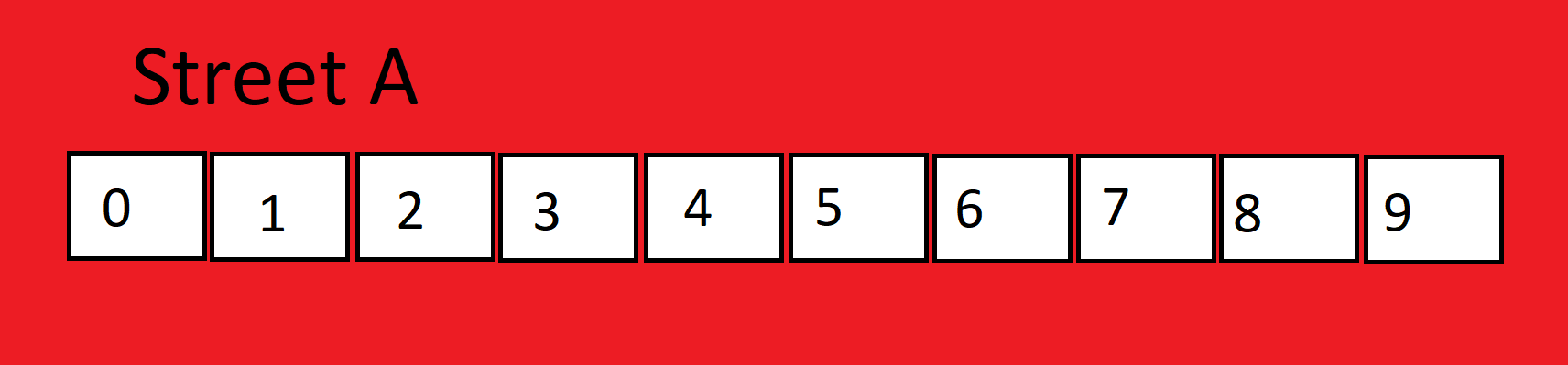
but I am not a coder and I do not know what is data structures and all, how can I understand what are arrays? Do not worry I help you to understand each bit of the array. So let's get started, you can understand the array with an easy example of 10 houses on street A. House Numbers starts from 0 to 9.
Note Index Starts from 0 in Coding
Now you can say that street A is an array which has 10 houses in respect of computers.
Collection of elements in coding is called Array. -Sarthak🙂
In our example, there was a collection of houses on Street A which is why Street A is considered an array.
How to create an array?
An array is created with the help of square brackets ' [] ' and elements inside an array are stored separated by a coma ' , '.
Syntax:- let arrayName=[]
let arrayName=[] \\empty array
let arrayName1=[1,2,3,4,5] \\ array of Numbers
let arrayName2=['Raj','Rohan','Ram','Shyam'] \\ array of strings
we can also create an array using constructors
Syntax:- let arrayName= new Array()
let name=new Array('Raj','Rohan','Ram','Shyam')
How to access the elements stored in an array?
To understand this let's go to Street A, suppose you have to send a letter to a friend who lives on Street A for that you should know his/her house number so that you can send your letter to him/her, similarly in the array we need to pass the index of the element to access the element. Here you can say that the index is the address of that element.
Syntax:- nameofthearray[index]
Code
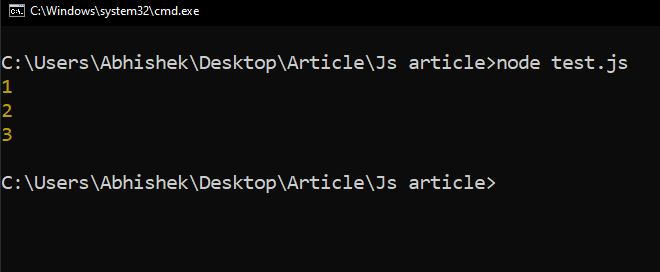
let arr=[1,2,3,4,5,6,7,8,9]
console.log(arr[0])
console.log(arr[1])
console.log(arr[2])
Output
Functions In Array
To manipulate elements in an array we use different functions
- toString
- join
- pop
are few functions. Now let's discuss functions one by one
toString Function
toString help to convert our array to a normal string.
Syntax: arrayName.toString()
Code
let arr=[1,2,3,4,5,6]
console.log(arr)
Output
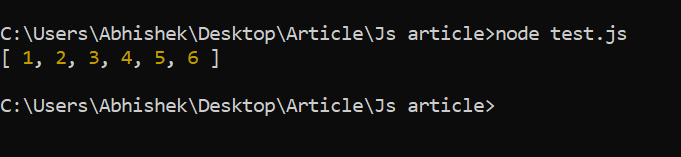
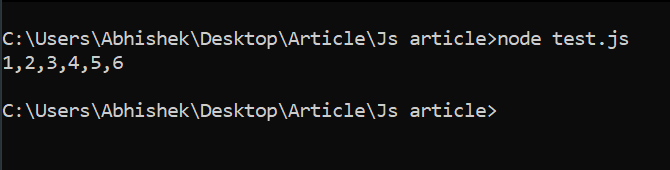
The output here is enclosed in ' [] ' which is used to declare an array so to convert the array to a string we use the toSting function
Code
let arr=[1,2,3,4,5,6]
console.log(arr.toString())
Output
Join Function
The join function is the same as toString, it converts the array to string but gives us an additional function i.e we can select by which we want to separate our elements.
arrayName.join(" ")
Code
let arr=[1,2,3,4,5,6]
console.log(arr.join(" * "))
console.log(arr.join("@"))
output

Now let's discuss how to add and delete any element from the end
Pop Function
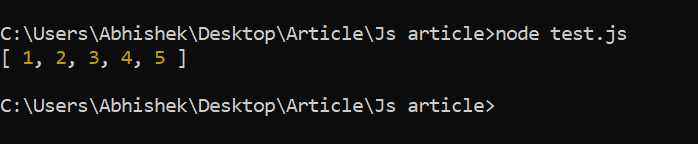
The pop function is used to delete or remove an element from the last of the array
arrayName.pop()
Code
let arr=[1,2,3,4,5,6]
arr.join()
console.log(arr)
output
Push Function
The push function is used to add an element at the last position of the array
arrayName.push()
Code
let arr=[1,2,3,4,5,6]
arr.push(7)
console.log(arr)
output

Now let's discuss how to add and delete any element from the start
Shift Function
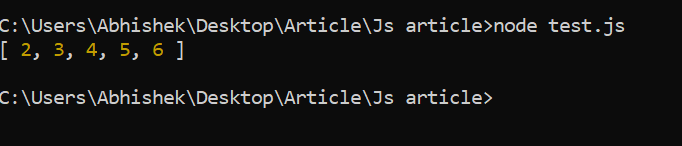
The Shift function is used to delete or remove an element from the start of the array
arrayName.shift()
Code
let arr=[1,2,3,4,5,6]
arr.shift()
console.log(arr)
output
UnShfit Function
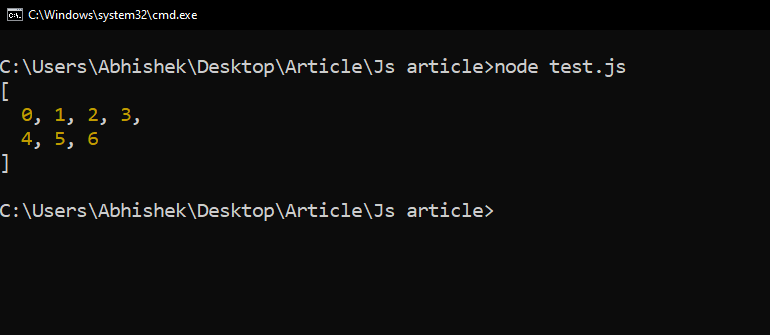
The Unshift function is used to add an element at the start position of the array
arrayName.unshift()
Code
let arr=[1,2,3,4,5,6]
arr.unshift(0)
console.log(arr)
output
Adding Element at the particular position
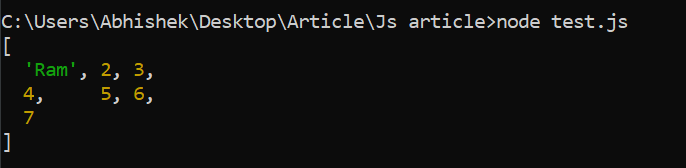
To add an element at any given position we need to use index. Now if the index is empty then the value is assigned to the location and if there is anything present, then the current value present is replaced by the new value.
Syntax arrayName[index]=newValue
Code
let arr=[1,2,3,4,5,6]
arr[6]=7
arr[0]="Ram"
console.log(arr)
Output
Length Of An Array
To find the length of the array we use the length function
Syntax:- arrayName.length
Code
let arr=[1,2,3,4,5,6]
console.log(arr.length)
Output

Delete element from a given index
To delete any element from a given index we use the delete function
Syntax:- delete arrayName[index]
Code
let arr=[1,2,3,4,5,6]
delete arr[5]
console.log(arr)
Output

Concatenating a.ka.a Merging Arrays
Case 1
If we want to merge two given arrays we use concatenation
Syntax:- arrayName.concat(arrayMerge)
Code
let arr=[1,2,3]
let arr1=[4,5]
let arr2=[6,7]
console.log(arr.concat(arr1,arr2))
Output

Case 2
Similarly, we can merge single values also
Syntax:- arrayName.concat(value)
Code
let arr=[1,2,3]
console.log(arr.concat(4))
Output

Splicing and Slicing Arrays
###Splice Function The splice() method can be used to add new items to an array.
Syntax: - arrayName.splice(start-index, number-of-elements-need-to-modify,value)
Code
const fruits = ["Banana", "Orange", "Apple", "Mango"];
console.log(fruits)
fruits.splice(2, 1, "Lemon", "Kiwi");
console.log(fruits)
Output

If we define 0 at the place of 1 then Lemon and Kiwi both will be added at position 2. Splice does not affect the values of the array if we mention 0 instead 1.
Slice Function
The Slice Function divide the array into the given range.
Syntax arrayName.slice(start,end)
Code
const fruits = ["Banana", "Orange", "Lemon", "Apple", "Mango"];
console.log('Array with Slice')
console.log(fruits)
const citrus = fruits.slice(1, 3)
console.log('Slice of the array is taken out from index 1 to 3 and stored in   Citrus')
console.log(citrus)
Output

Sorting an Array
The sort function helps us to sort elements of an array.
Syntax:- arrayName.sort()
Code
const fruits = ["Banana", "Orange", "Apple", "Mango"]
console.log(fruits)
fruits.sort()
console.log(fruits)
Output

Iteration of array
Iteration of the array means getting hold of each element of the array or travelling to every element of the array
Using For loop
We can get hold of elements using for loop.
Code
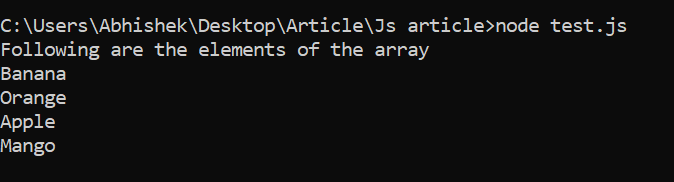
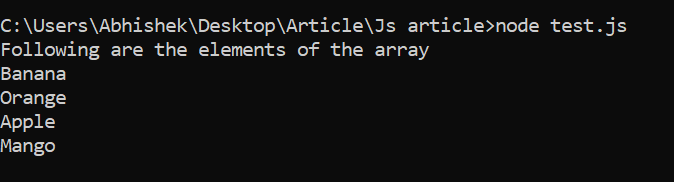
const fruits = ["Banana", "Orange", "Apple", "Mango"]
console.log('Following are the elements of the array')
for(let i=0; i<fruits.length;i++){
    console.log(fruits[i])
}
Output
Using For Of Loop
This is used when we need to travel the whole length of the array.
Code
const fruits = ["Banana", "Orange", "Apple", "Mango"]
console.log('Following are the elements of the array')
for(let fruit of fruits){
    console.log(fruit)
}
Output